

Flowers
Choose a balanced mix of blooms across the catalog.
Botanical postcard studio
Compose a private digital flower bouquet, write the card, set the mood, and send it as a small link instead of a public post.
DigiBouquet is an iOS app for private digital bouquets. It turns the familiar gesture of sending flowers into something lighter, faster, and more personal, while keeping the design language close to paper stationery.
Choose a balanced mix of blooms across the catalog.
Wrap the bouquet with fern, eucalyptus, willow, or leafy stems.
Write a note that explains the gesture in your own voice.
Set the backdrop so the recipient opens the right atmosphere.
Save locally or send a compact link through the channel you choose.
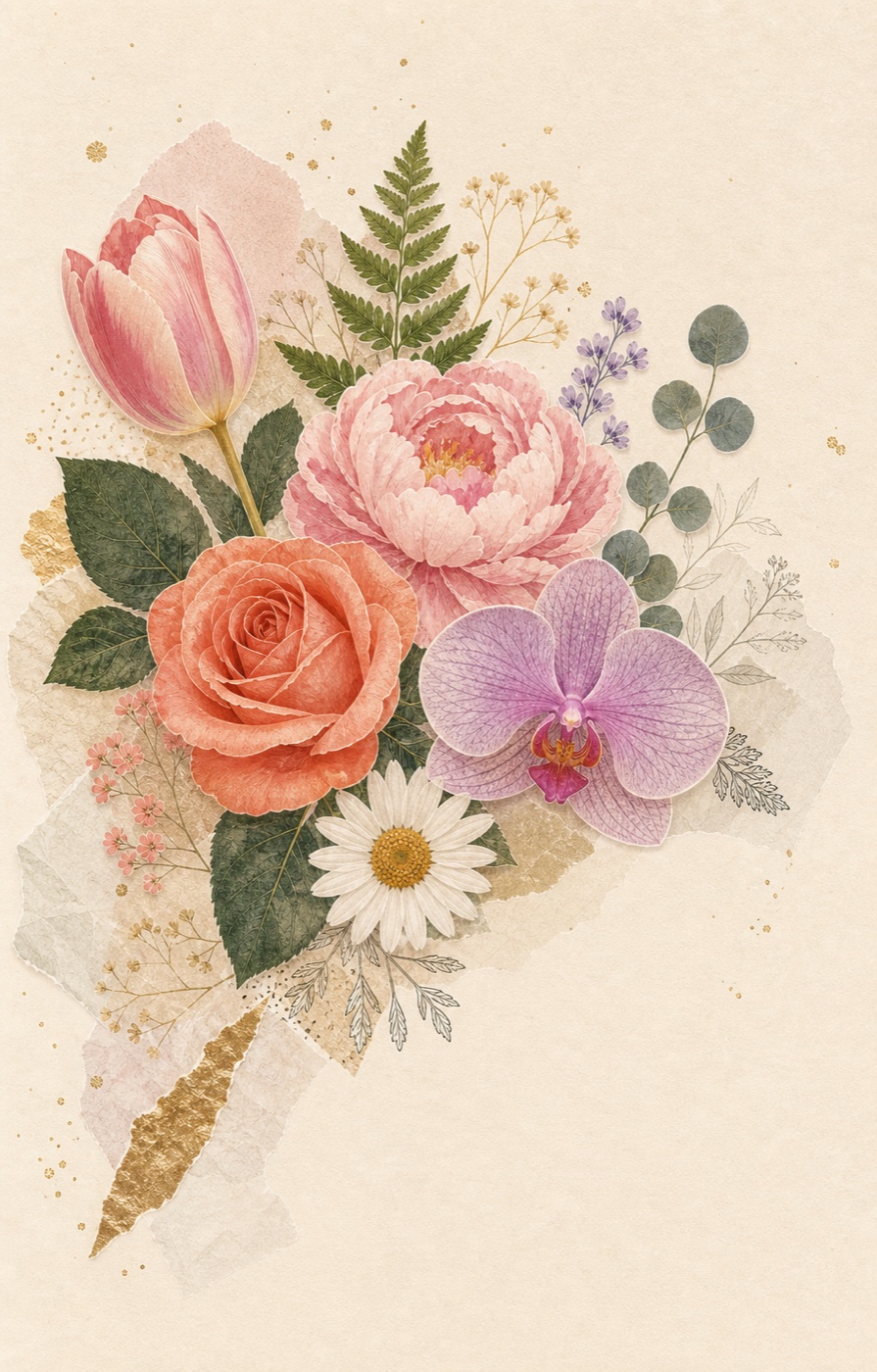
DigiBouquet keeps the gesture focused: one bouquet, one note, one recipient. The design borrows from handmade paper, pressed flowers, and compact SwiftUI cards rather than from social feeds.
To: You
You have been on my mind. This is a small way to show up in your day.
With love, Me
Templates are designed as editorial guides, not rigid scripts. Each one explains why the flowers fit the moment, how to write the card, when to send it, and how to revise the tone.
Long Distance Warmth Bouquet
Long distance: warm, steady, affectionate, and not needy.
Get-Well Calm Support Bouquet
Get-well support: calm, present, low pressure, and restorative.
Bright Friend Birthday Bouquet
Close friend birthday: bright, personal, clearly non-romantic, and generous.
Apology and Repair Bouquet
Apology or repair: accountable, warm, humble, and low pressure.
Quiet Admiration Bouquet
Subtle affection: reserved, elegant, clear, and respectful.
Golden Hour Congratulations Bouquet
Congratulations: proud, bright, specific, and celebratory.
Read the meaning, best occasions, tone guidance, pairing ideas, and card-writing notes for every flower in the app catalog.
 Rose
Rose
Love and passion. Birth month: June.
 Peony
Peony
Romance. Birth month: May.
 Tulip
Tulip
Perfect love. Birth month: April.
 Daisy
Daisy
Innocence. Birth month: April.
 Lily
Lily
Purity. Birth month: May.
 Orchid
Beauty. Birth month: October.
 Camellia
Quiet admiration. Birth month: November.
 Lotus
Lotus
Resilience. Birth month: July.
The DigiBouquet home page works best when the sender wants the gesture to feel deliberate without making it feel theatrical. DigiBouquet is built around that small but important difference. The app does not ask the sender to publish a tribute, design a public announcement, or manage a social post. It gives the sender a private studio where flowers, greenery, card text, and mood can be combined into a compact link. That link can carry a complete bouquet payload, which means the emotional shape of the gift can travel with the share itself.
On this page, the emphasis is the full product story: private bouquets, card writing, template browsing, and flower meanings. The goal is not to prescribe one perfect bouquet for every relationship. It is to explain how a sender can choose with more care. Flowers carry inherited meanings, but they also change depending on timing, card language, relationship context, and the recipient's current energy. A rose sent after an argument is not the same rose sent on an anniversary. A daisy inside a birthday bouquet is not the same daisy inside a get-well note. DigiBouquet treats that nuance as part of the product.
The useful starting point is tone. A good bouquet does not only ask which flower is attractive; it asks what kind of room the recipient should feel when opening it. A warm bouquet can be full and coral. A calm bouquet can be airy, green, and ivory. A repair bouquet should have space around it. A congratulations bouquet can carry gold and movement. For The DigiBouquet home page, the tone should lean personal, quiet, expressive, and respectful of the recipient's space. That tone should also show up in the card copy. The recipient should not have to decode a beautiful picture while the words pull in another direction.
One practical rule is to keep the card more specific than the flowers. The flowers create atmosphere, but the card names the reason. If the bouquet says love and the note says nothing, the sender leaves too much interpretive work for the recipient. If the bouquet says support and the card demands an immediate answer, the gesture stops feeling supportive. DigiBouquet keeps the writing surface close to the bouquet preview so the sender can check whether both parts belong to the same moment.
The home page highlights the whole flower catalog because the app is not built around one house style. The app's catalog works because the flowers are legible at a glance. Rose, peony, tulip, daisy, lily, orchid, camellia, lotus, sunflower, carnation, dahlia, and ranunculus are different enough that the sender can create contrast without needing a florist's vocabulary. A bouquet usually feels stronger when it mixes a central flower, a softening flower, a supporting flower, and greenery. That is why the creator asks for a mix across multiple flower types rather than a single repeated symbol.
Greenery matters more than it first appears. Fern gives a pressed-botanical feeling and makes a bouquet feel studied. Eucalyptus feels composed and slightly modern. Willow creates softness and movement. Leafy greenery gives the arrangement body. The same flower combination can become romantic, friendly, or restful depending on the greenery and mood selected around it. This is especially important in a digital bouquet, where the backdrop and card style are part of the composition.
The best time to send a DigiBouquet is when a small private gesture is more appropriate than a public announcement. Timing is part of the meaning. A private bouquet sent in the morning can become a small companion for the day. A bouquet sent late at night can feel intimate, but it can also arrive when the recipient is tired. A repair bouquet sent during an argument can feel like an attempt to skip the conversation. A support bouquet sent with no expectation of a reply can feel generous. DigiBouquet is most useful when the sender uses the link as a quiet gesture, not as a shortcut around care.
The share model also changes the etiquette. Because the bouquet travels as a link, it can be sent through the channel that already fits the relationship: Messages, email, a private chat, or any app the sender uses. That makes the bouquet flexible, but it also means the sender should choose the channel thoughtfully. A tender bouquet may belong in a one-to-one thread. A celebration bouquet can work in a family chat if the recipient enjoys that. The product does not force publicity; the sender still chooses the context.
Privacy belongs on the home page because the app's accountless link model is not a technical footnote. The app's accountless model is part of its emotional design. Personal notes are not meant to become a public gallery by default. Saved bouquets live locally in the app, and shared bouquets are encoded into the URL so the content can be opened without a new account. This does not make every shared link private in an absolute sense, because anyone with the link may be able to open it. It does mean the default product posture is quieter than a social feed.
Recipient comfort should guide the final edit. If the note is vulnerable, keep it concise. If the relationship is uncertain, choose warmth over intensity. If the recipient is overwhelmed, explicitly remove the obligation to reply. If the moment is celebratory, name the achievement rather than using a generic compliment. The best digital bouquet is not the one with the most decoration. It is the one where the flower meaning, visual mood, and card text all point toward the same kind of care.
Before sending, read the bouquet from the recipient's side. Ask whether the first impression is clear, whether the card is specific, whether the color mood matches the message, and whether the timing is fair. Then remove anything that asks for too much. A link can be beautiful and still be too much if it arrives with pressure. A bouquet can be simple and still be memorable if the sender has chosen with attention. DigiBouquet is designed to make that revision easy because the preview, card, mood, and share action sit in one flow.
That revision habit also makes templates more useful. A template should be a starting point, not a script. Keep the flower structure if it fits, change the card if the relationship needs different words, and adjust the mood if the recipient would prefer calm over brightness. The app gives enough defaults to help someone begin, but the final bouquet should still feel like it came from a person who knows why they are sending it.